
Back-to-back meetings in Google Calendar: getting room between them
Published 9 November 2026
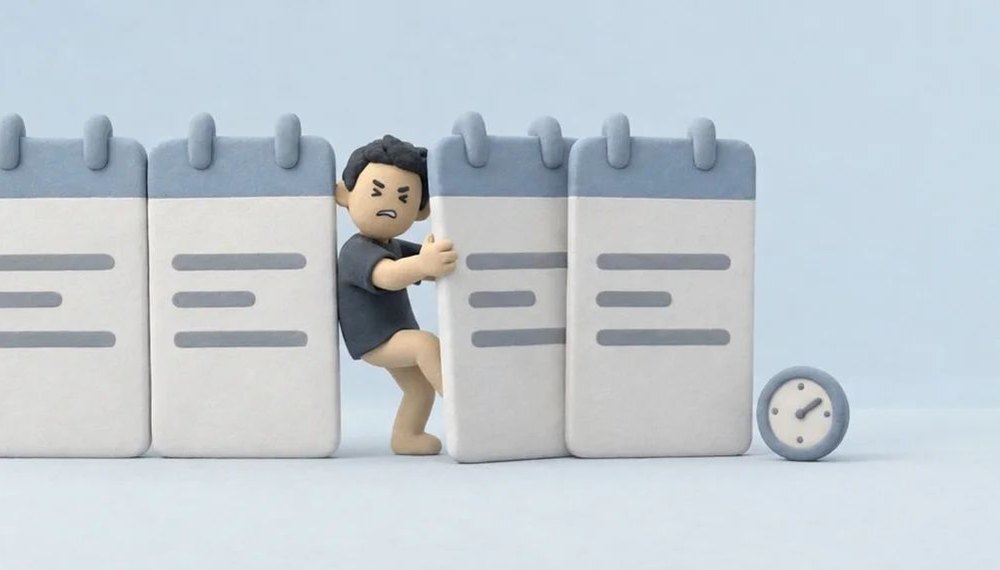
Tuesday: 9:00–10:00 the weekly team meeting, 10:00–10:30 a client call, 10:30–11:30 the budget, 11:30–12:00 a candidate. The calendar is full but tidy; nothing overlaps. Still, at noon the notes from four meetings are unwritten, the email you promised this morning hasn't gone, and water hasn't come into it. The trouble with back-to-back meetings isn't the meetings. It's that there is no time between them.
This guide covers the ways to get fewer back-to-back meetings in Google Calendar™. Some are in the calendar's settings, some are habits, and one works by itself. You don't need all of them.
First, look: how big is the problem
Open last week and count how many times one meeting started in the minute another ended. Two or three times a week is a small problem, and the first fix below is enough. Several times a day means the shape of the week has to change, not the calendar.
On work and school accounts (Google Workspace), Google Calendar™ has a "Time insights" panel on the left: how much of the week went to meetings and who you meet with most. Personal Gmail accounts don't have it; there you count by hand.
1. Shorten the meetings you create
Google Calendar™'s "Speedy meetings" setting ends the meetings you create a little early: a 30-minute meeting at 25, longer ones 10 minutes early. It is on a computer, under Settings → General → Event settings. The details and the limits are in buffer time between meetings.
It only changes your own invitations. If most of your day is other people's, go on to the next step.
2. Put limits on other people's invitations
- Working hours. Settings → General → Working hours & location. On work and school accounts, someone inviting you outside them sees a warning as they do. It protects before 9:00 and after 18:00, not the gaps inside the day.
- Focus time. On Workspace accounts you can add a "Focus time" event, and invitations for that time can be declined automatically. An hour every afternoon, or two mornings a week. It doesn't stop meetings; it moves them.
- Booking page. If people outside book time with you, Google Calendar™'s appointment schedule can put a buffer between appointments and a daily limit on them. The details are in appointment schedule buffer time.
3. Agree on a rule with your team
Calendar settings protect you, not the team. Most back-to-back meetings happen inside one team, and that is also where the fix that works best lives: one simple rule everyone keeps.
- Meetings start at five past. 10:05 instead of 10:00. Nobody changes anything in the calendar, but every meeting has five minutes before it. It's Speedy meetings turned around: start late instead of ending early, and this time it works on everyone's invitations.
- A meeting-free half day. One morning or one afternoon a week, nobody books anybody. The back-to-back meetings squeeze into the other days, but at least one stretch stays clear.
- 25 and 50 minutes by default. If everyone turns on Speedy meetings, every invitation inside the team is shorter on its own.
4. Have the break put in for you
What the fixes above have in common: they all try to change how many meetings there are or how long they last. Some weeks don't allow that; four meetings, and all four are needed. Then the job is to protect the gap between them.
You can do it by hand: a 10-minute event called "Break" after every meeting. But when the meeting moves the break stays where it was, when the meeting is cancelled the break stays, and in a busy week it's the first thing forgotten.
DOFOTT is an app that does it for you. You connect your Google Calendar™, and its Brain Sauna setting writes a 5, 10 or 15 minute block after (or before, or around) every Zoom, Meet, Teams or Webex meeting. When the meeting moves, the break moves with it.
What happens with back-to-back calls matters too:
- With a gap shorter than your setting between two calls, the break shrinks to fit it.
- With before and after both on, the two become one block.
- When one ends at 10:00 and the next starts at 10:00, there is no block. DOFOTT never shortens or moves your meetings; opening that gap is the job of steps 1 to 3.
When a meeting is at an address, somewhere you have to go, DOFOTT writes a travel block there instead of a break: the time comes from Google Maps™, there and back. Breaks around online meetings are free, and 12 meetings with a place a month are free too.
How do I stop back-to-back meetings in Google Calendar?
Turn on Speedy meetings for the meetings you create, set working hours and focus time against other people's invitations, and agree with your team that meetings start at five past. For the weeks that are full anyway, an app like DOFOTT puts a short break block after each online meeting.
Does Google Calendar add a break between back-to-back meetings?
No. Speedy meetings makes the meetings you create end five or ten minutes early, but it puts no event in between and doesn't change invitations from others.
What if two meetings touch, with no gap at all?
Then the gap has to be made by moving or shortening a meeting. DOFOTT never touches your meetings, so it writes no block there; it fills any gap there is, up to your setting.
Google Calendar™ and Google Maps™ are trademarks of Google LLC.